



Description
Pre-order Product
Estimated Delivery: Early November
What should be the standard for a pen tablet?
Wacom’s answer is to let it truly integrate into a creator’s everyday life.
A natural, comfortable feel that allows lines to flow freely.
Built for diverse creative scenarios, offering trustworthy functionality and quality to accompany your long-term creative journey.
From Wacom, the pioneer of pen tablets—experience a naturally distinct drawing experience.
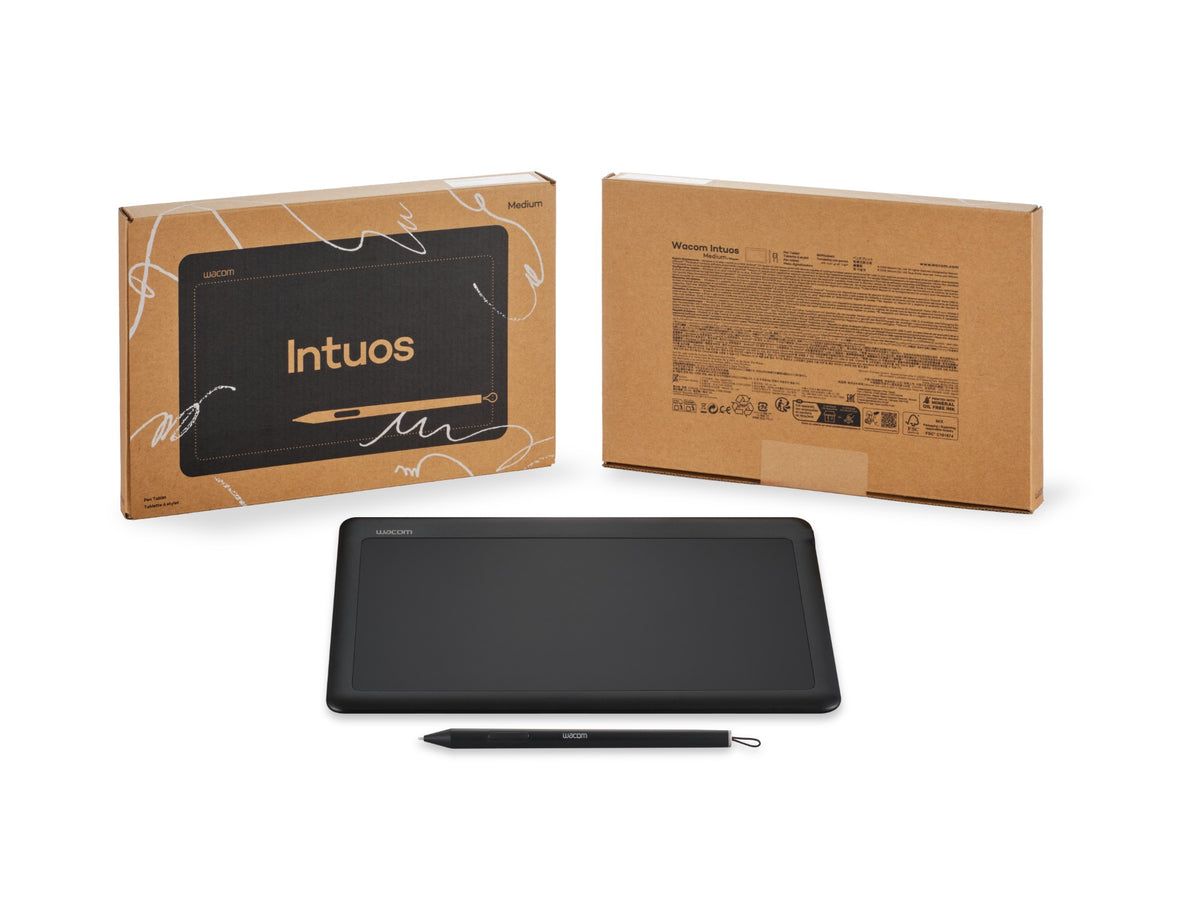
Wacom Intuos
Combining 40 Years of Wacom Expertise
Blending decades of digital pen innovation with a streamlined, practical functional design, the outstanding drawing feel of Wacom Intuos makes it even easier to learn and get started. Crafted with a focus on performance and quality, experience the higher standard brought by Wacom.
Smooth Drawing with Customizable Features
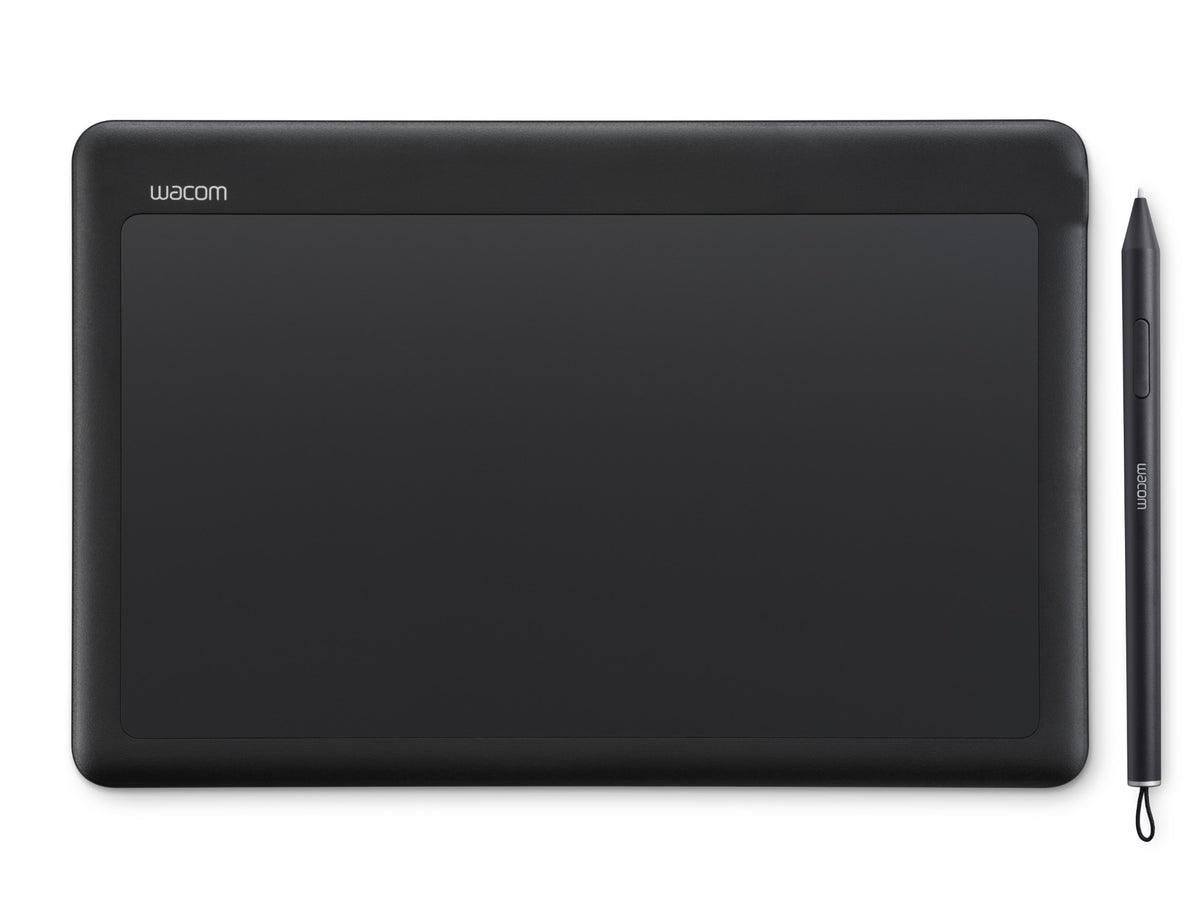
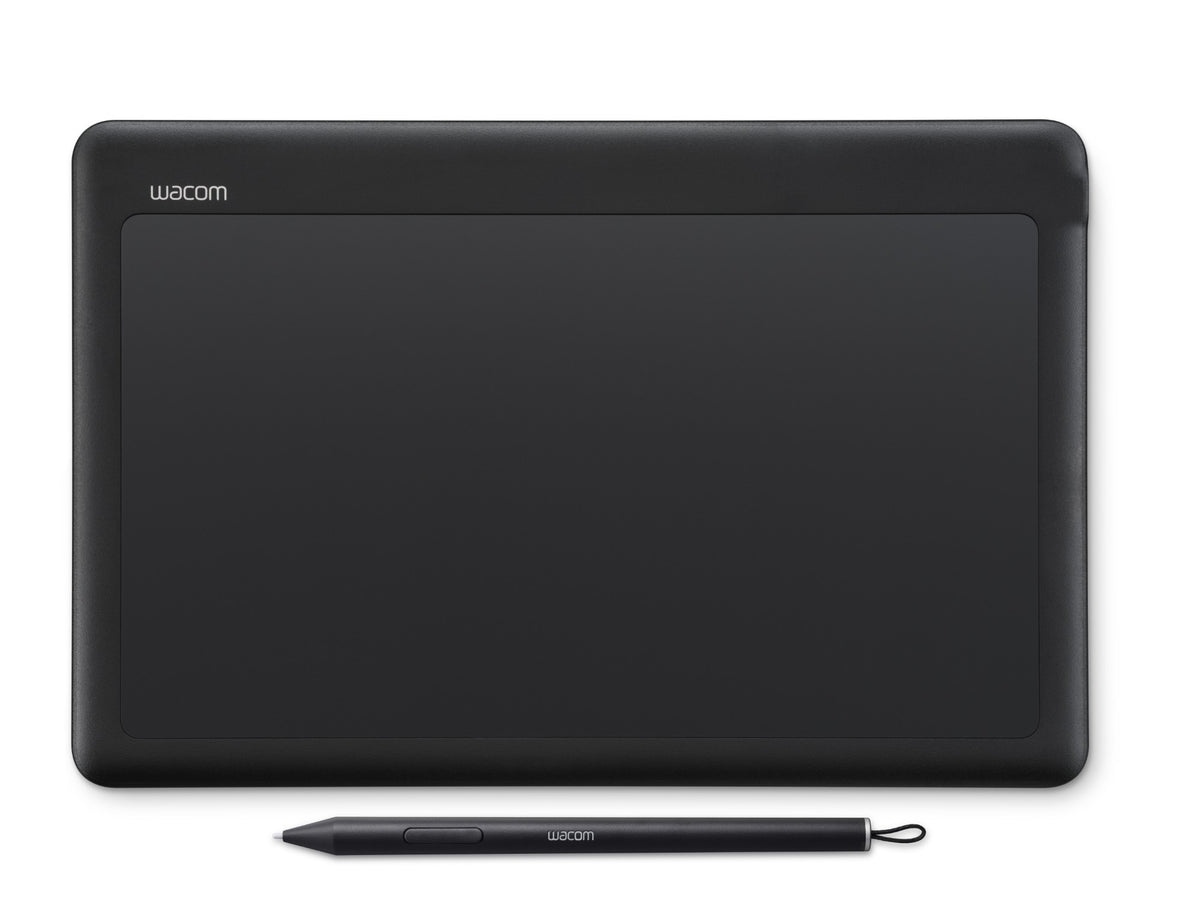
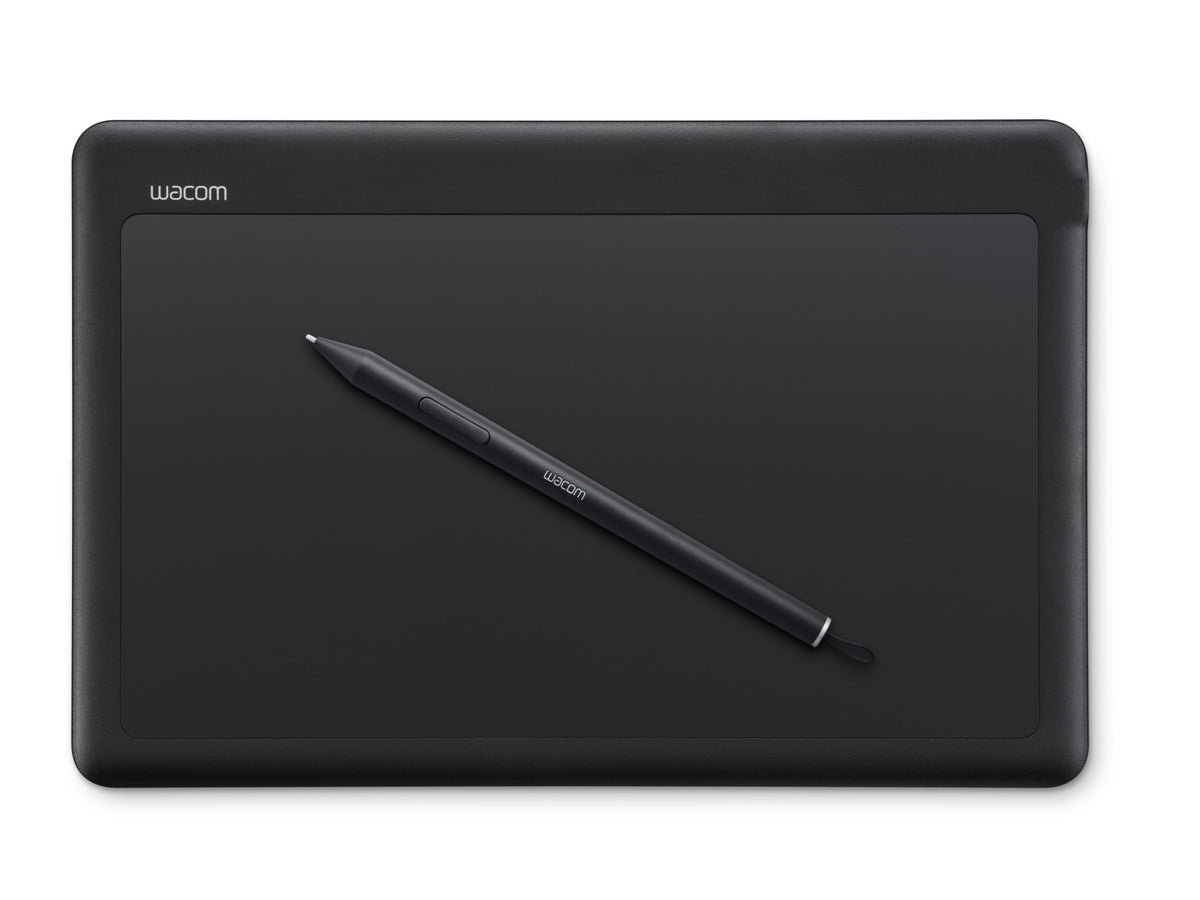
The Wacom Lite Pen finely senses pressure changes, delivering a smooth and precise drawing experience. Compared to the previous generation, it adds tilt sensitivity, rendering varied line effects depending on the pen's angle. With a sharper nib design, it offers four replaceable nib types with different feel options (sold separately). The pen buttons can be freely customized for frequent shortcuts. Pick up and draw anytime—no batteries or charging required.
*Requires software or apps that support tilt sensitivity.
Seamlessly Fits Any Creative Space
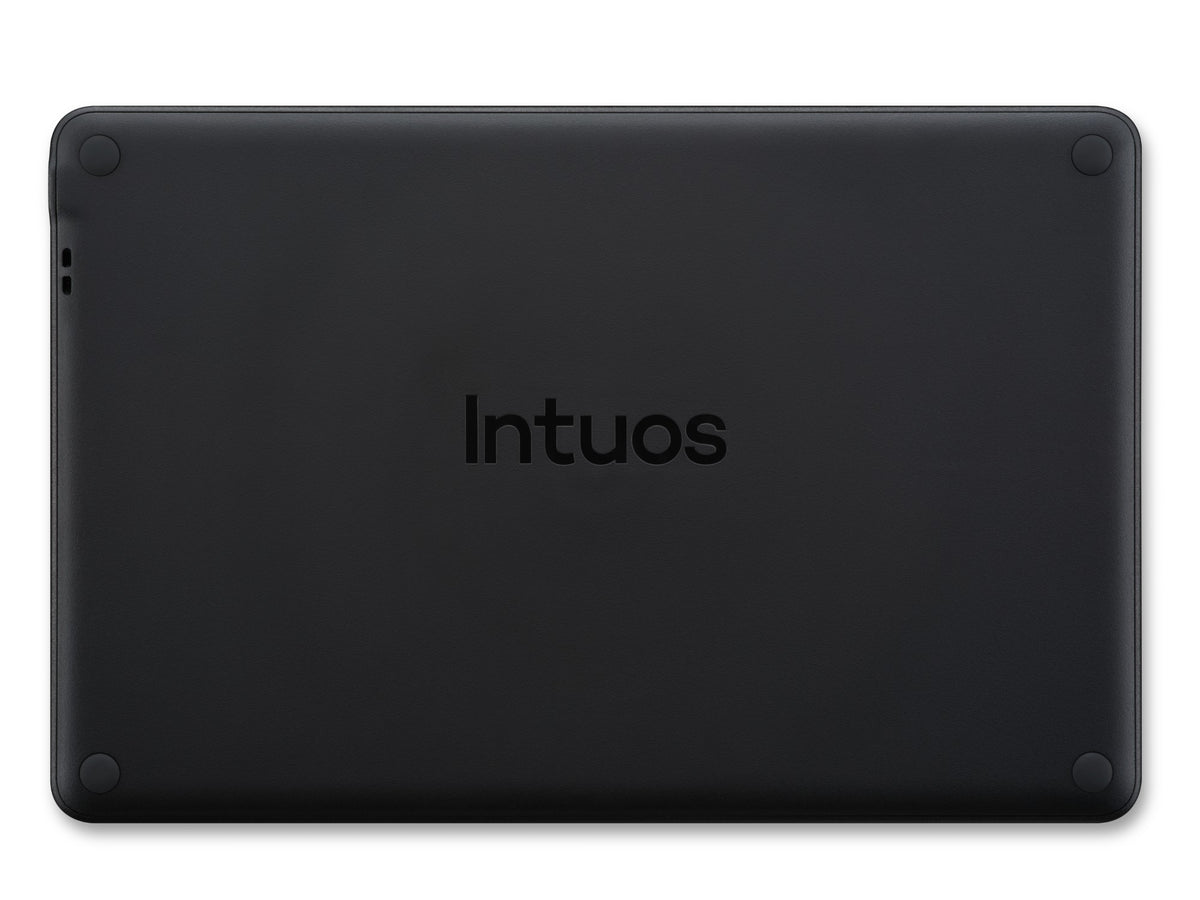
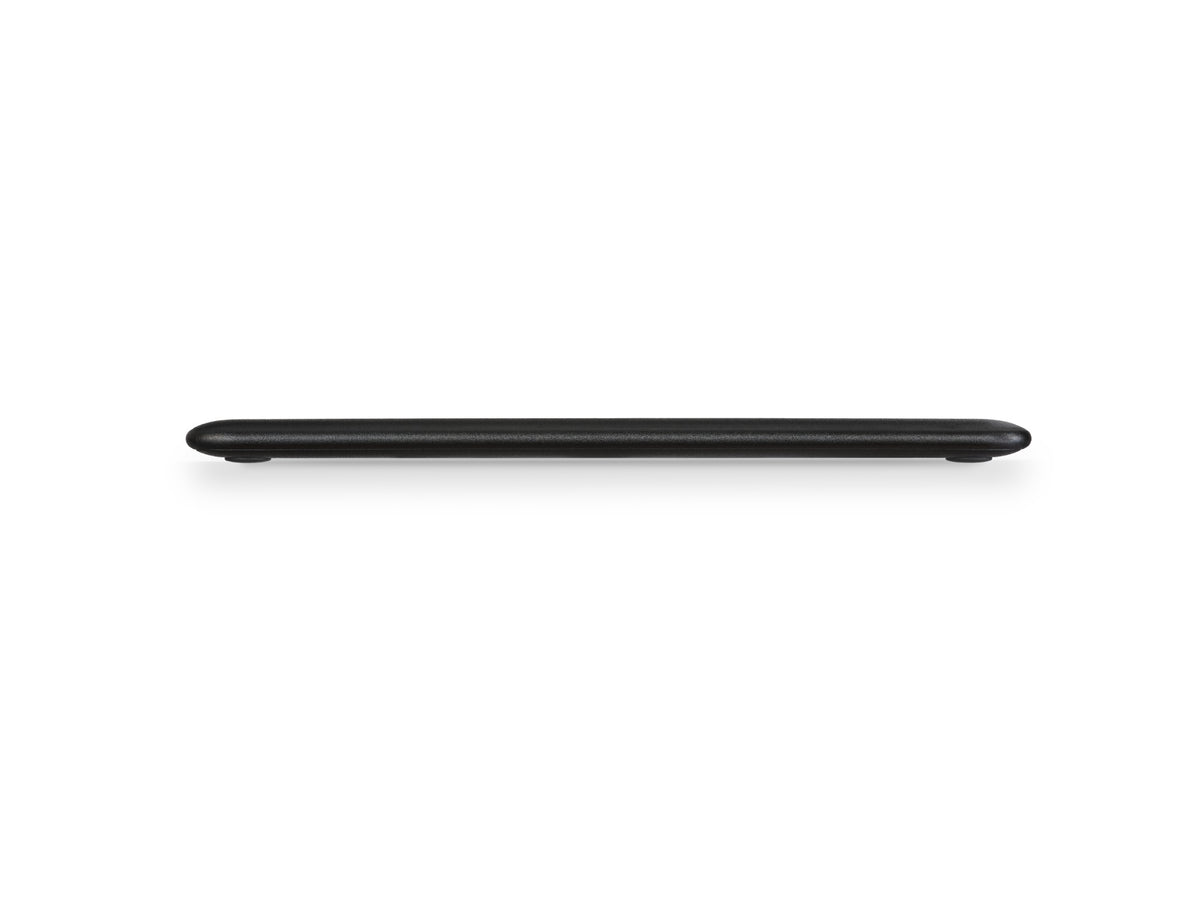
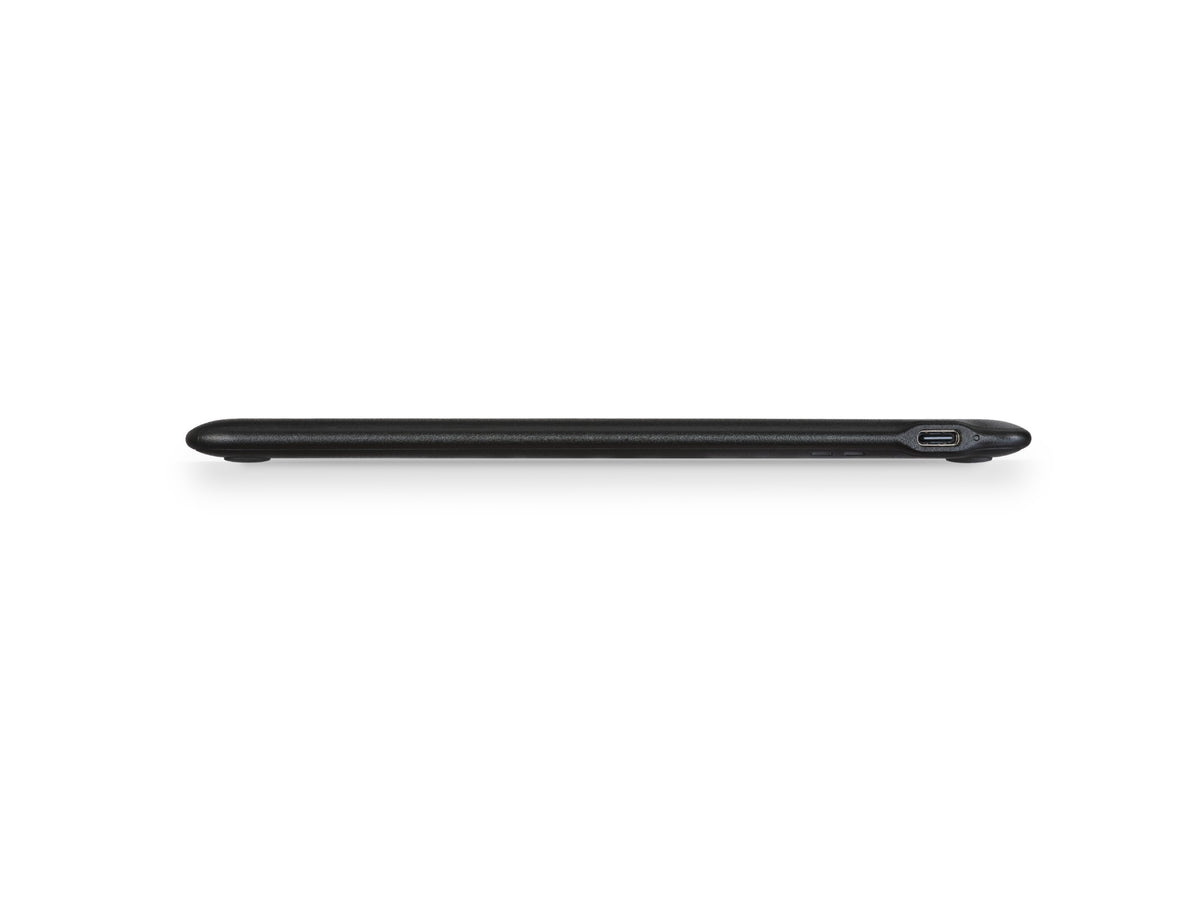
Compact body for easy portability. The gentle curved edge design reduces the height difference between the tablet and the desk, allowing more natural wrist movement and better focus on your creation.
Plug and Play via USB
Simply connect to a computer, Android, or HarmonyOS device via USB-C* for quick setup without complicated steps.
*Includes a USB-C to USB-C cable. If your computer only has USB-A ports, please prepare or purchase a USB-A to USB-C cable separately.
*To access full features on Windows or macOS, installing the Wacom driver is required. Android 8–13 and HarmonyOS 1–6 require installing the Wacom Center app.
Small Footprint, Big Creativity
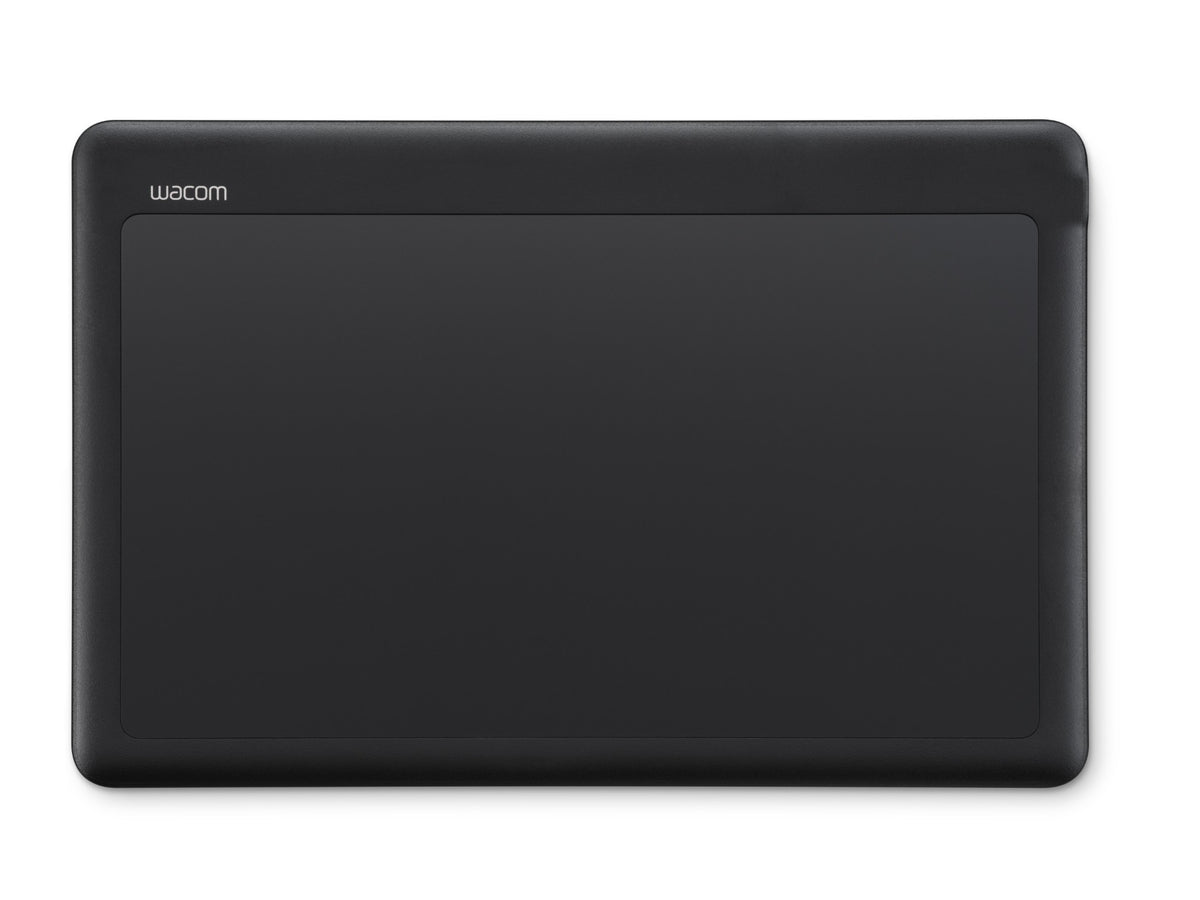
The compact design still offers a generous active area, allowing wide strokes to extend effortlessly. You can also customize the mapping area size and orientation via the Wacom driver based on your usage habits.
*The active area aspect ratio is 16:9; when using displays with different aspect ratios or multi-monitor setups, enabling "Force Proportions" is recommended.
Popular Creative Software, Ready to Use
Bundled with popular illustration and comic creation software—turn "I want to draw now!" into finished artwork instantly.
*Requires creating a Wacom ID and completing product registration. If you do not have a Wacom ID, user registration is required. Available bundled software may vary by operating system.
Every Wacom Intuos comes with free software offers*.
Log in or create a Wacom ID with your personal details and register your Wacom Intuos to claim your bundled software.
Clip Studio Paint
Unleash your inner artist with an all-in-one creation solution for drawing, coloring, art books, and comics. Emphasizing drawing and painting features, it lets you leverage the best digital coloring tools while maintaining the natural feel of working on paper or canvas. Clip Studio Paint Pro is a popular tool perfectly suited for digital art beginners*.
*To activate up to 6 months of Clip Studio Paint EX free trial, registration with Celsys is required. Terms and conditions apply.
ibisPaint X
Enjoy an exclusive 180-day trial of ibisPaint Prime membership, a powerful drawing app beloved by beginners and pros alike. Prime members get full access to over 40,000 brushes, 20,000 materials, filters, fonts, and more—unrestricted creativity for illustrations, comics, logos, or animations. Compatible with smartphones, tablets, and PCs with cloud storage support for seamless editing and sharing anywhere.
*To activate the 180-day ibisPaint Prime membership trial, registration with ibis is required. Terms and conditions apply.
Magma
Magma is a collaborative drawing platform for artists worldwide featuring a beginner-friendly user interface. Join a community of over 4 million users, connect with peers, and improve your skills. Register your Wacom device to claim a 3-month trial of Magma Blaze, offering ad-free access, support for more canvas participants, layers, and storage.
*To claim the 3-month Magma free trial, registration with Magma is required. Terms and conditions apply.
Learn While You Play, Master the Tablet Easily
Familiarize yourself with basic operations like hover, click, and drag-and-drop through interactive tutorials. Even complete beginners can build confidence step-by-step with digital pen controls through fun exercises, getting used to it effortlessly.
Specifications
Product Type: Pen Tablet
Global Model Number: CTK6120
Product Dimensions (L x W x H): 179 x 272 x 8.3 mm / 7.0 x 10.7 x 0.3 in
Active Area: 240 x 135 mm / 9.4 x 5.3 in
Product Weight: 370 g / 0.8 lbs
Product Color: Dark Grey
Security: 1 Tether slot
Pen & Touch Technology
Pen Name: Wacom Lite Pen (ACP50200DZ)
Pen Switches: 2 customizable side buttons
Pressure Levels: 8192 levels
Pen Tilt Support: 60 degrees
Pen Resolution: 5080 lpi
Pen Type: Pressure-sensitive, cordless, battery-free
Pen Technology: Patented electromagnetic resonance technology
Replacement Nibs: 5 POM nibs included
Multi-Touch: No
ExpressKeys™: No
Compatibility & Connectivity
Hardware Requirements: Standard USB Type-C / A port (USB-A requires a user-supplied or separately purchased adapter/cable)
Included Cable: USB-C to USB-C L-shaped cable (1m)
System Requirements:
Windows 11 or later
macOS 14 or later
Android™ 14 or later
Devices capable of running the latest version of ChromeOS
Standard USB Type-C / A port (USB-A requires an adapter or cable)
Internet connection required for downloading tablet drivers*, redeeming software, and accessing tutorials*** *Please download and install drivers on Windows PC and Mac only.
Wacom ID and product registration required. Software compatibility varies by system.
Included Standard Items & Accessories
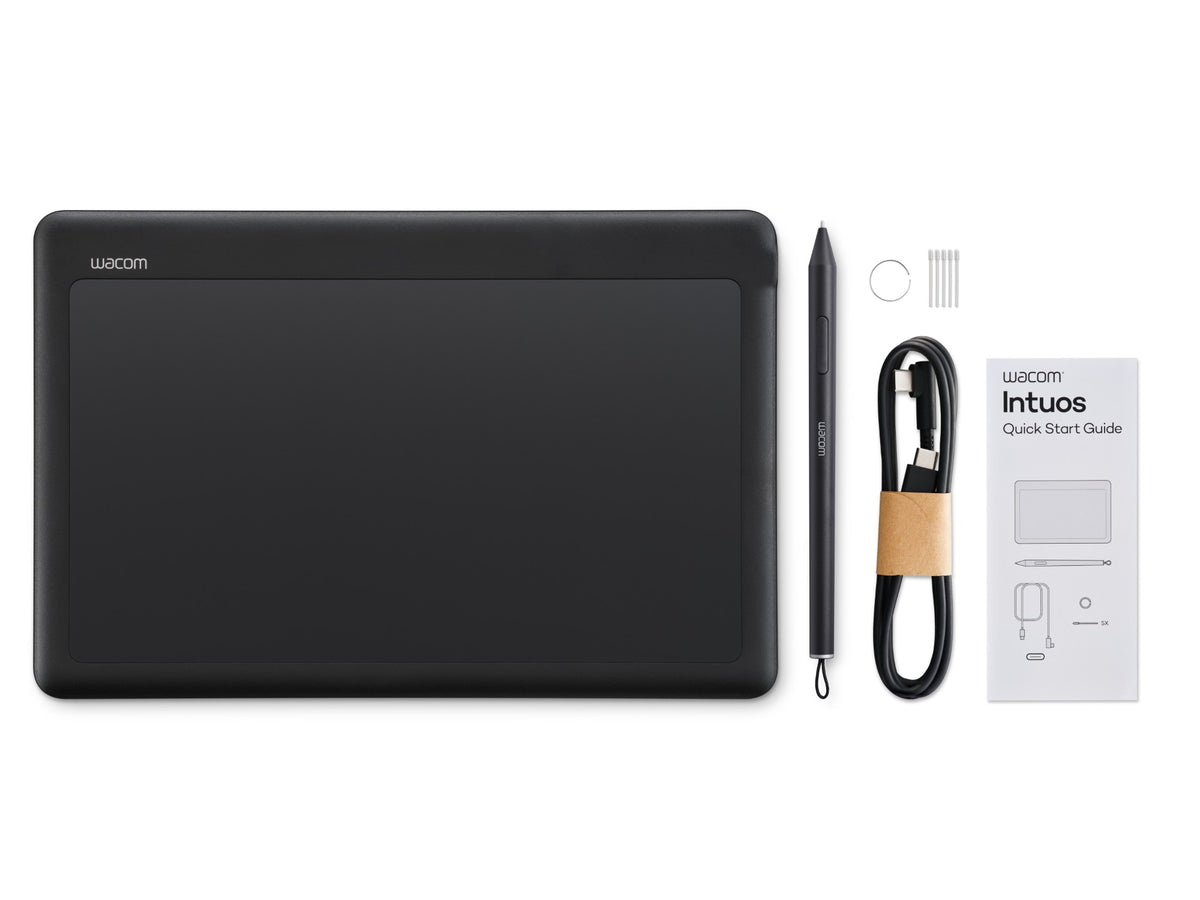
Package Contents:
Wacom Intuos Pen Tablet (Small or Medium)
Wacom Lite Pen (Battery-free)
USB-C to USB-C L-shaped cable (1m)
5 Extra Wacom POM nibs
Nib removal tool
Quick Start Guide and Important Product Information
Optional Accessories:
Wacom Lite Pen (ACP50200DZ)
Wacom Pro Pen 3 (ACP50000DZ)
Wacom Pro Pen 3E Commercial Edition (ACP501E00DZ)
Wacom POM Nibs (ACK25911Z)
Wacom Pro Pen 3 Carbon Shaft POM Nibs (ACK24801Z)
Wacom Pro Pen 3 Felt Nibs (ACK24819Z)
Wacom Pro Pen 3 Carbon Shaft Elastomer Nibs (ACK253010Z)
Wacom One Pen Tablet USB-C to C Cable 1.0m (ACK45006Z)
Wacom Intuos Pro / Wacom One USB-C to A Cable (ACK42206)
Wacom Sleeve S (ACK53501Z)
Wacom Sleeve M (ACK52701)
Optional Compatible Pens:
Dr. Grip Digital for Wacom (CP202A01A, CP202A02A)
Hi-Uni DIGITAL for Wacom (CP20206BZ)
Lamy Safari twin pen all black EMR Digital writing
Lamy AL-star black EMR Digital writing
Staedtler Mars® Lumograph® digital 180 22-3
Staedtler Mars® Lumograph® digital jumbo 180J 22-3
Staedtler Noris® digital classic 180 22
Staedtler Noris® digital jumbo 180J 22
Staedtler Noris® digital mini 180M
Samsung Galaxy S26 Ultra S Pen
Warranty: 1-Year Warranty for Hong Kong and Macau regions